8
Shopify Integration
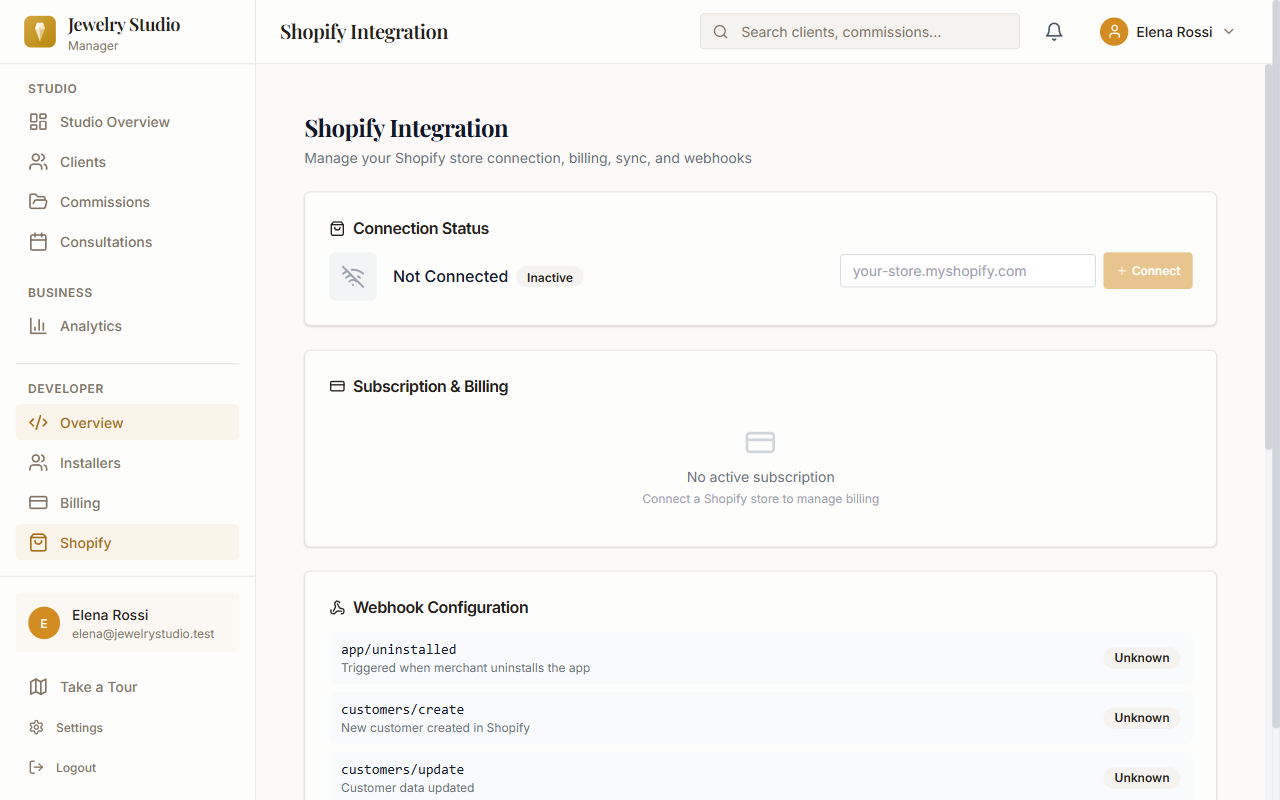
Connect your Shopify store to import customers and orders into Jewelry Studio Manager, add the service products you create here to your store, and turn a finished commission into a Shopify draft order.
Already installed? Do not register again. Open Shopify Admin, go to Apps, then open Jewelry Studio Manager.
- Install or launch Jewelry Studio Manager from your Shopify Admin; Shopify authorization is completed during the installation flow
- The app's home page in Shopify Admin walks you through setup: choose a plan, press Sync All to import your existing customers, open the studio, and invite your first client
- After that, new customers and orders arrive automatically through Shopify webhooks, and each new order creates a commission for you to take forward
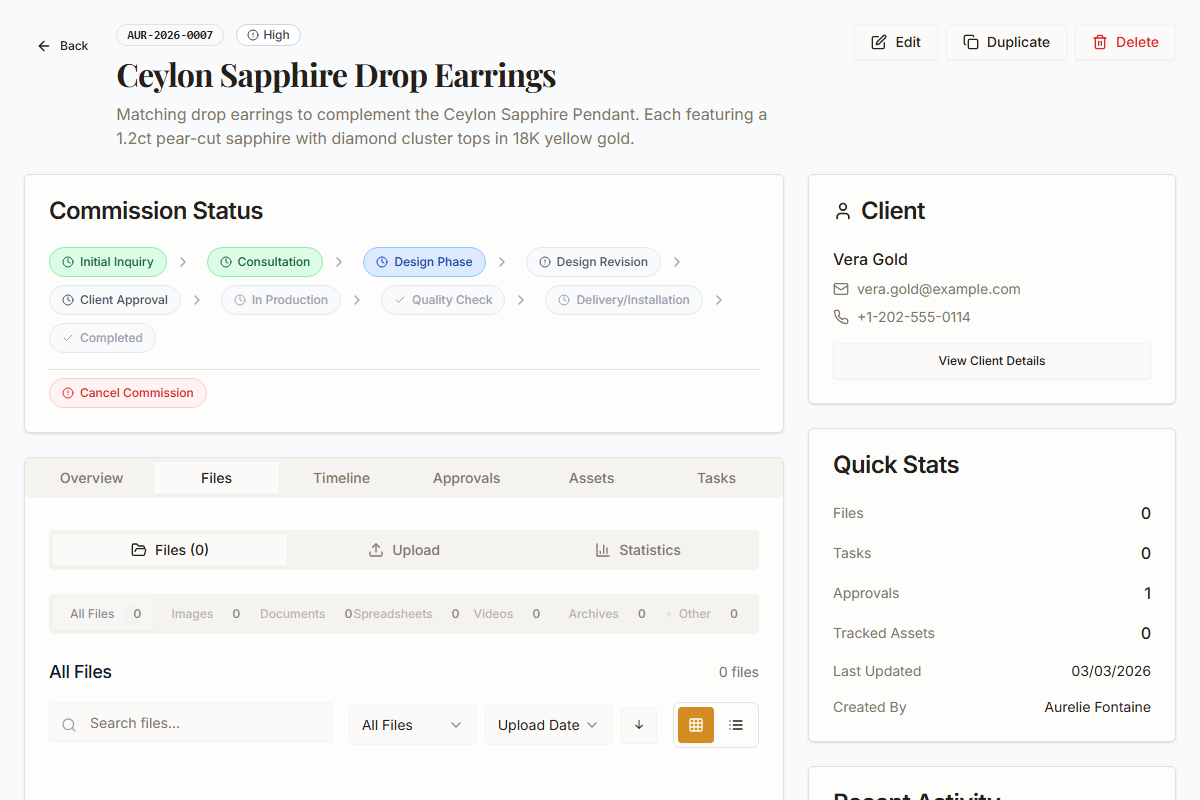
- From a commission, Create Shopify draft order prepares an order your client pays through your own store checkout
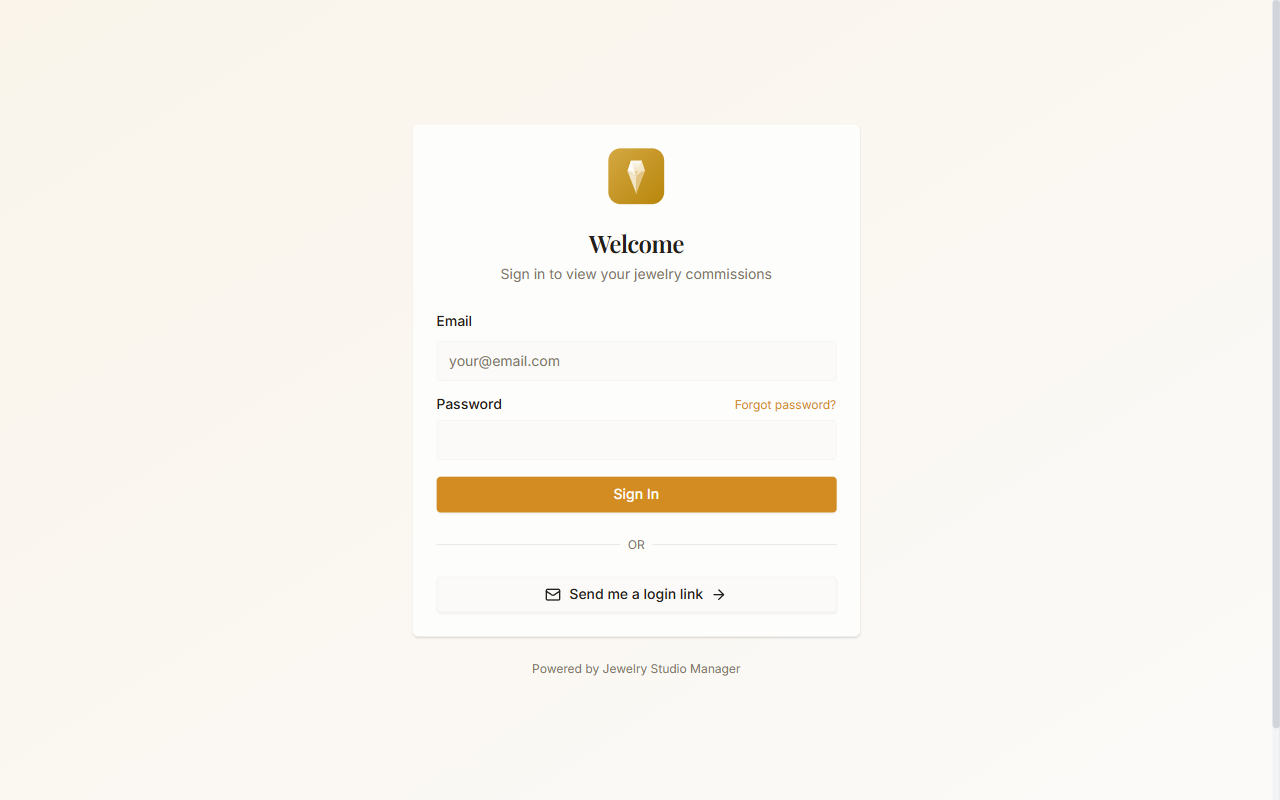
- Add the Client Portal button to your store: in Shopify Admin go to Online Store → Themes → Customize, choose Add block → Apps → Client Portal, then edit the heading, description, button text and helper text. The button opens your clients' secure sign-in page